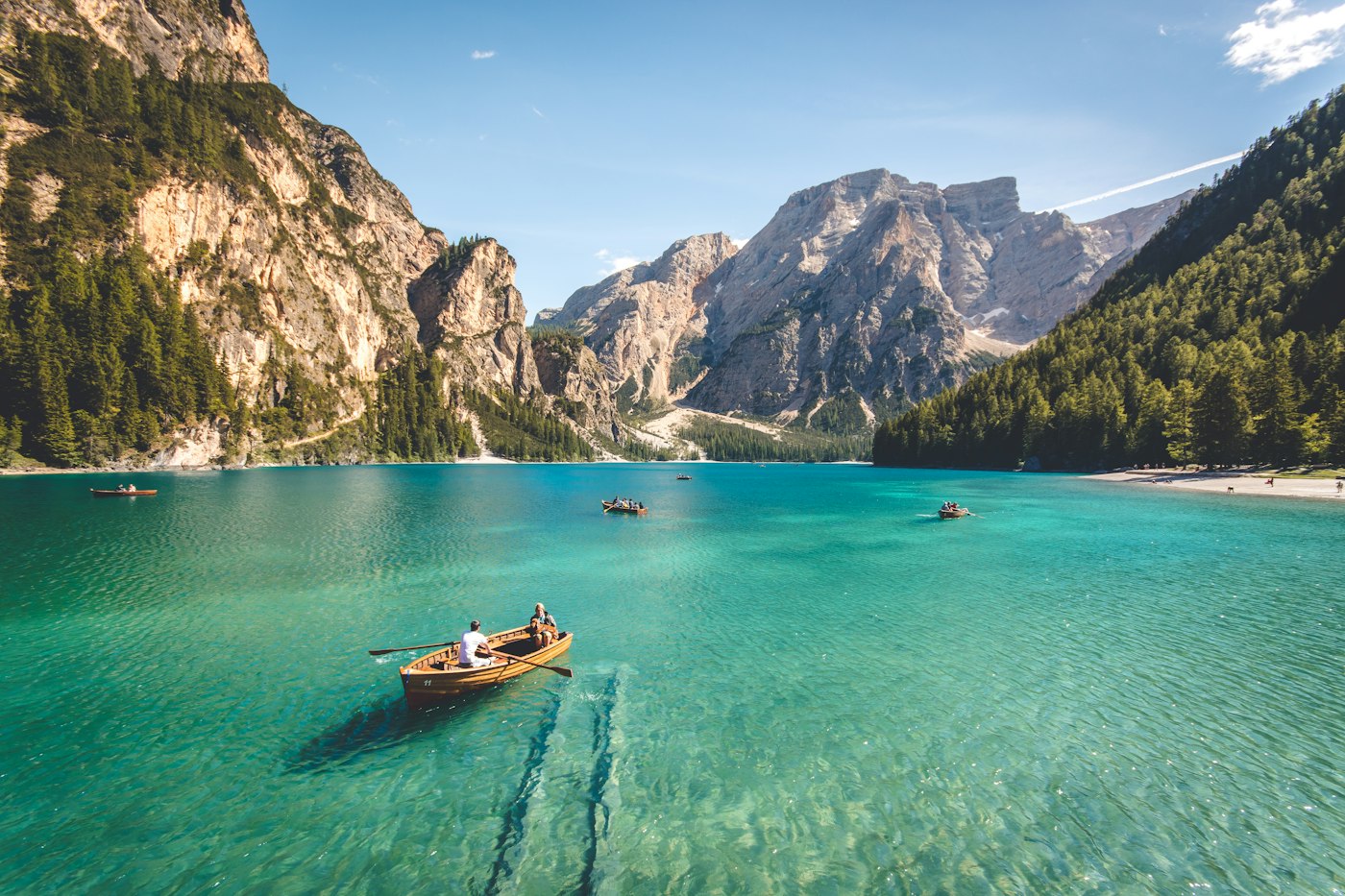
Open waterDrag to compare
Black to Colour · online photo converter
Upload one black-and-white photo and bring it back to colour online. The model restores natural pigment and keeps faces, clothing, and grain close to the original. Two photos free when you sign up — no card.
01 · Colourise
One clear photo. Faces, clothing, and the room around them take on colour. The original crop stays put.
Colour is estimated from the scene. Skin, fabric, sky, and metal are guided, not guaranteed. Review the full frame before you share it.
Sign in to colourise a photo. You get two free photos when you sign up.
02 · Frames
Drag the split. The left side is the black-and-white plate. The right side is the colour already in the photograph — a preview of the frame, not a generated result.

Skin and clothing come back. The face stays the same person.
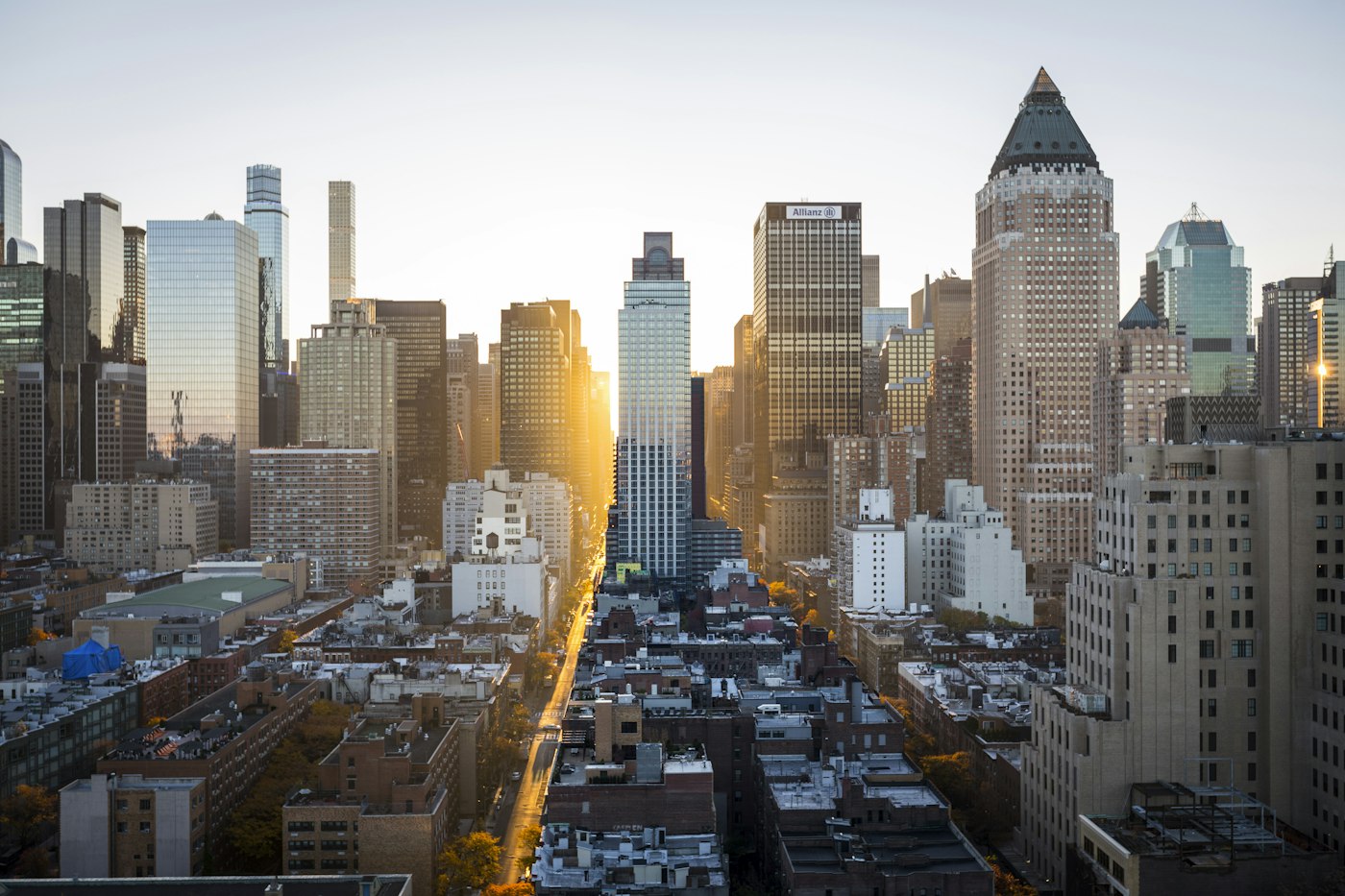
Sky, cloth, and the street pick up colour without restaging the shot.
Earth, water, and foliage return as a natural palette.
03 · Three moves
A scan, a print, or a black-and-white digital file.
It reads faces, fabric, sky, and light, then lays colour back on the same pixels.
Keep the original. Take the colour version with you.
A black-and-white photo. A full-colour frame.
Black to Colour keeps the photograph and puts the pigment back: skin, cloth, sky, and the room around it. It does not redraw the person, change the crop, or invent a new scene.
Yes — you can try black to colour online free. Two photos are free when you sign up, no card needed. After that each photo costs one credit, and credits are a one-time purchase rather than a subscription.
Yes. The converter runs in any modern browser on phone or desktop, so there is nothing to install. You may also see it written as black to color — same tool, American spelling.
One black-and-white or faded photo: JPG, PNG, or WebP, up to 8 MB. A clear scan beats a photo of a screen.
The frame stays. Colour is added on top. Identity, expression, and crop are not meant to change. Review the result before you share it.
Natural skin, cloth, sky, and surroundings. Exact historical colours are an estimate when the original pigments were never recorded.
Use photos you have the right to colourise. Do not upload someone else's private pictures, or images of minors you are not authorised to process.
04 · Inbox
A photo, a bill, or something that broke. The note goes to the studio inbox.
support@blacktocolor.com
Drop in a black-and-white photo and bring the pigment back. Two photos free when you sign up.